How MilkDrop works
If you used Winamp in the 2000s, you've seen MilkDrop: the visualiser that turned whatever you were playing into slow-melting colour, tunnels, sparks and shapes that seemed to know the song. It still looks like nothing else, more than twenty years on. This is how it does it.
One trick, used very well
MilkDrop never clears the screen.
Most graphics start each frame with a blank canvas. MilkDrop starts with the frame it just drew. It takes that picture, bends it a little, fades it a little, draws a few new things on top, and shows you the result. Then it does the same again, sixty or more times a second.
That loop is the whole secret. A dot drawn once doesn't vanish: it gets pulled, stretched and smeared by every frame that follows, leaving a trail. Zoom in by one percent each frame and everything flies towards you as a tunnel. Rotate a touch and you get a spiral. Make the bend different in different parts of the screen and you get the liquid, marbled look MilkDrop is known for.
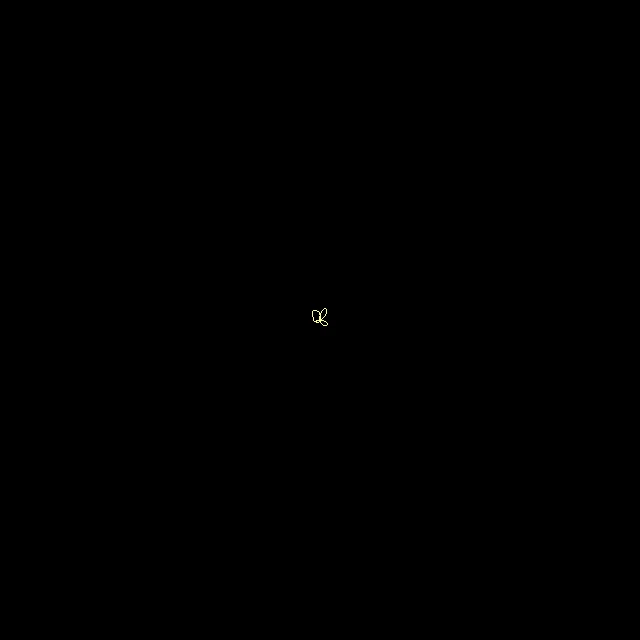 Frame 1
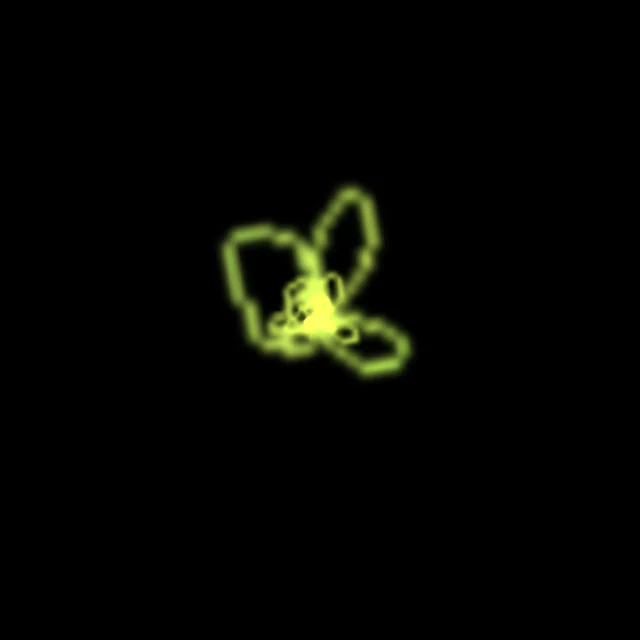 Frame 10
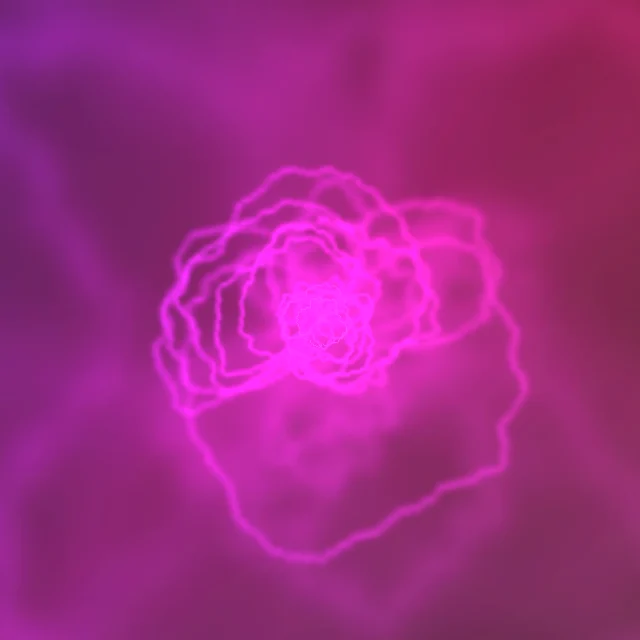 Frame 100
Where the music comes in
Every frame, MilkDrop listens to a slice of the sound and boils it down to a few numbers: how loud the bass is, how loud the middle is, how loud the treble is, each compared with what's been normal over the last few seconds. So a kick drum isn't "loud", it's "louder than usual", which is why MilkDrop keeps reacting whether the track is quiet or flat out.
Those numbers can drive anything. The zoom can jump on a bass hit. The colours can drift with the treble. The whole picture can lurch sideways on a snare.
It also draws the sound itself: the waveform, the wobbly line you'd see on an oscilloscope, is drawn straight into the picture each frame. Then the loop gets hold of it and it becomes the trails, ribbons and sparks.
A preset is a tiny program
Each look is called a preset, and each one is a small text file ending in .milk. Open one in a text editor and you'll find settings and short pieces of maths. Roughly, a preset says:
- How to bend the last frame. Zoom, rotation, sideways drift and warp, either as fixed amounts or as equations that change over time and with the music. They can be different at every point on the screen.
- What to draw on top. The waveform, plus extra shapes and lines the author defines, with their own equations.
- How fast things fade, so trails last a moment or linger.
- A finishing pass. Since MilkDrop 2, a preset can carry small shader programs that run on the graphics chip: one that does the bending, and one that turns the hidden working picture into what you see, adding glow, blur, colour shifts or a completely different look.
None of it is video. Nothing is recorded or stored. The picture is worked out fresh, from the maths and the music, every frame, which is why the same preset never plays quite the same way twice.
fDecay=0.96
zoom=1.04
rot=0.02
nWaveMode=0
wave_r = 0.6 + 0.4*sin(time*1.3);
wave_g = 0.6 + 0.4*sin(time*1.7 + 2);
wave_b = 0.6 + 0.4*sin(time*2.3 + 4);
zoom = 1.04 + 0.05*bass_att;
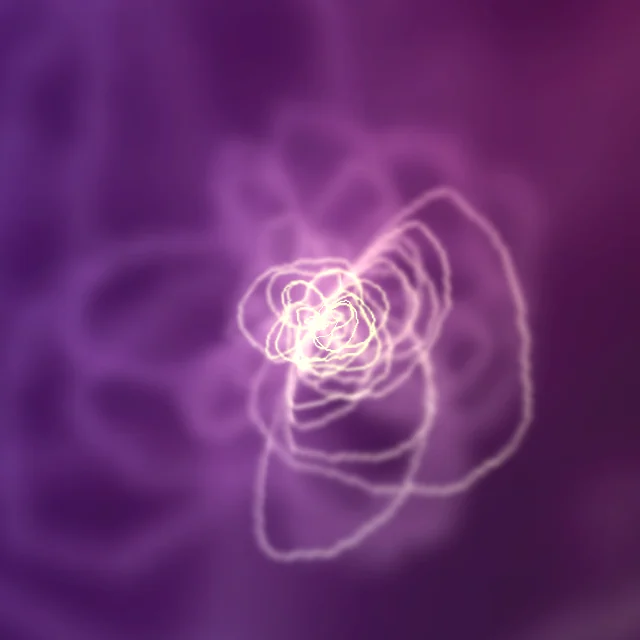
Why there are so many presets
Because a preset is just a text file, anyone could make one, and people did. Authors swapped them, remixed each other's, and blended two into a third. There are more than a hundred thousand out there now, from one-line experiments to pieces that took weeks.
MilkDrop also blends from one preset into the next rather than cutting, so an evening of music becomes one long picture that never quite repeats.
Where it came from, and where it is now
MilkDrop was written by Ryan Geiss and released for Winamp in 2001. MilkDrop 2, in 2007, added the shaders. An open-source project called projectM rebuilt the whole thing from scratch so the same presets could run outside Winamp: on Linux, on Macs, and on phones. MilkDrop's own source code was later made public too.
That's what Cometfly is built on. It's projectM, on Android, reacting to whatever your phone is playing, with a library made for tens of thousands of presets.
Get it on Google Play